

A private view onto your day.
Your mail, calendar, tasks and money, together in one calm app that keeps everything on your phone.
For Android · Works with Microsoft 365 and Outlook.com
Morning
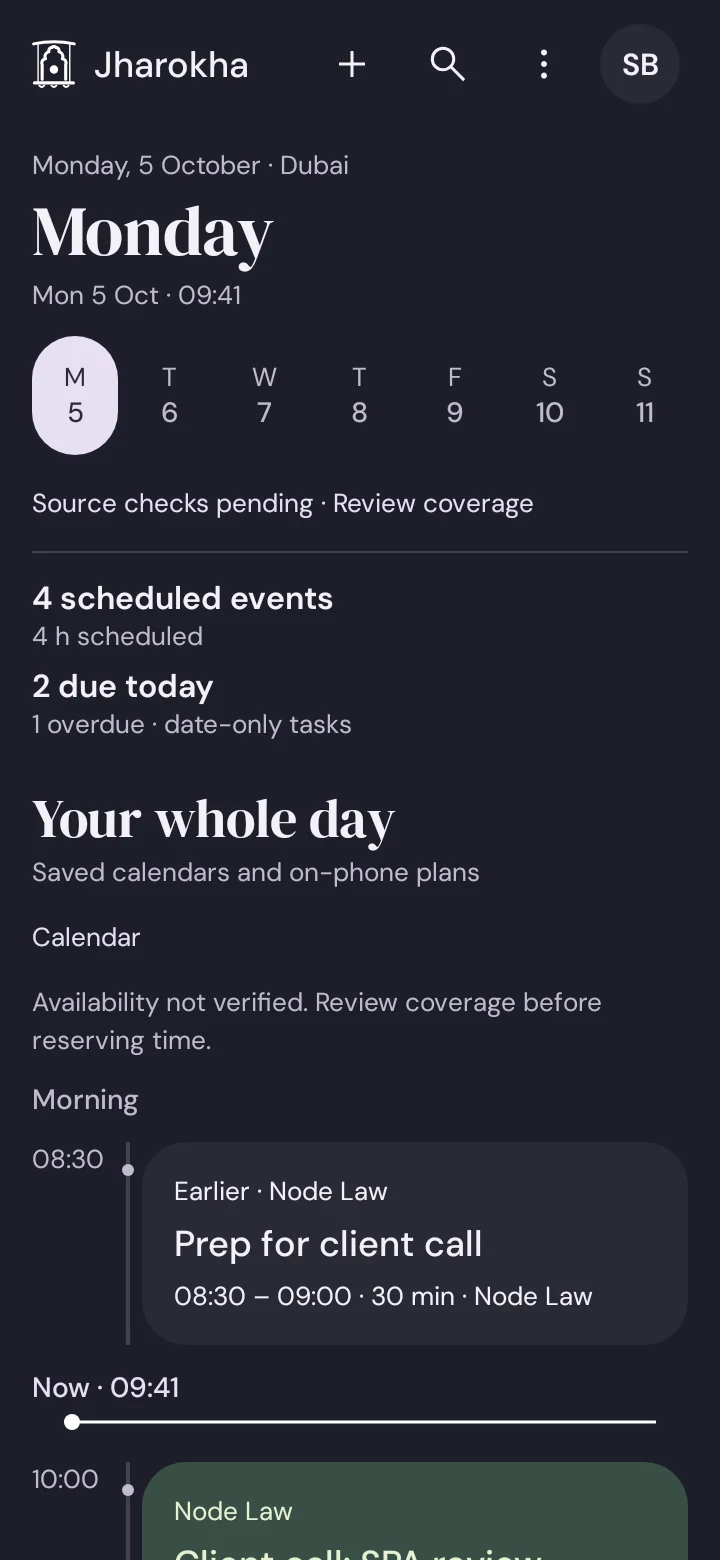
Your day, at a glance.
Everything that matters this morning, on one calm screen.
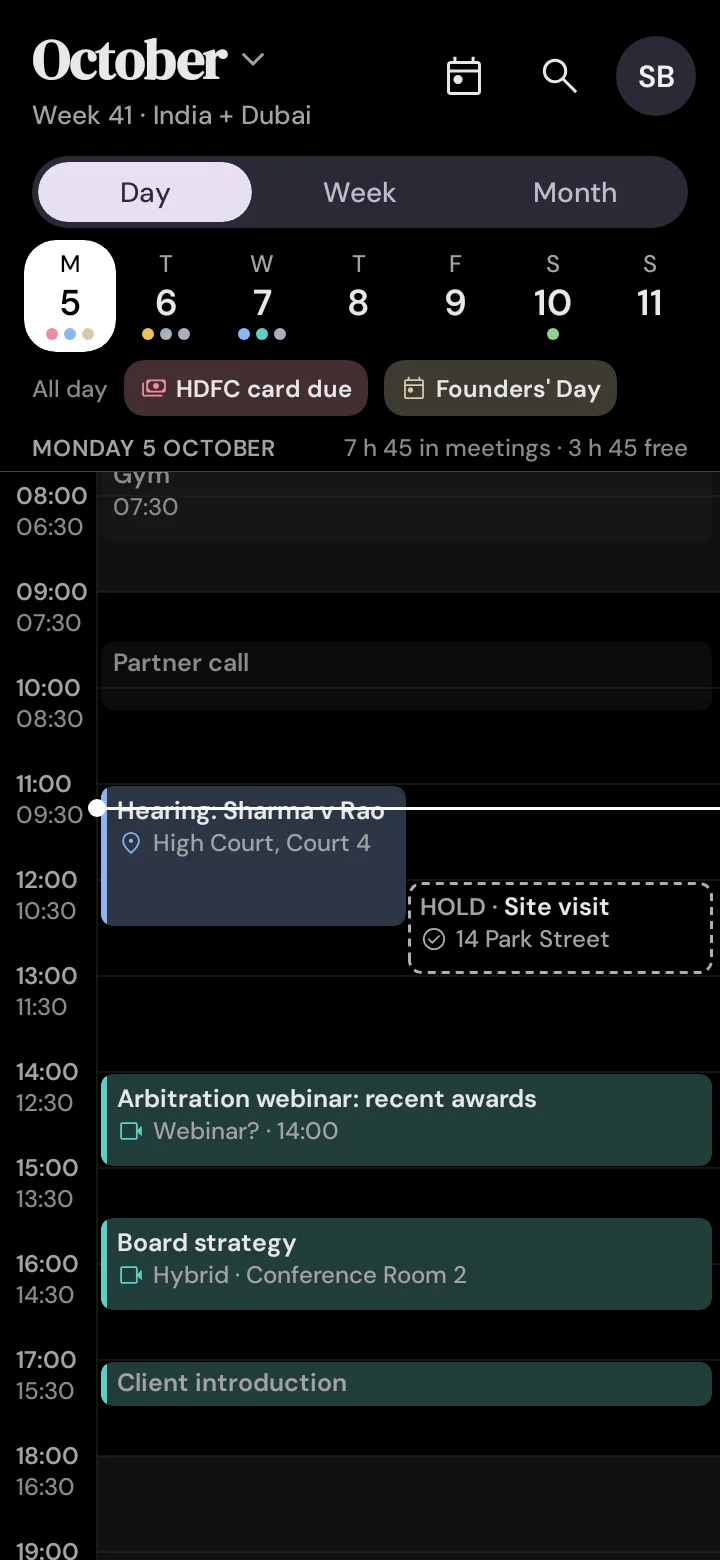
- Now and nextThe meeting on now, the next one, and Join in one tap.
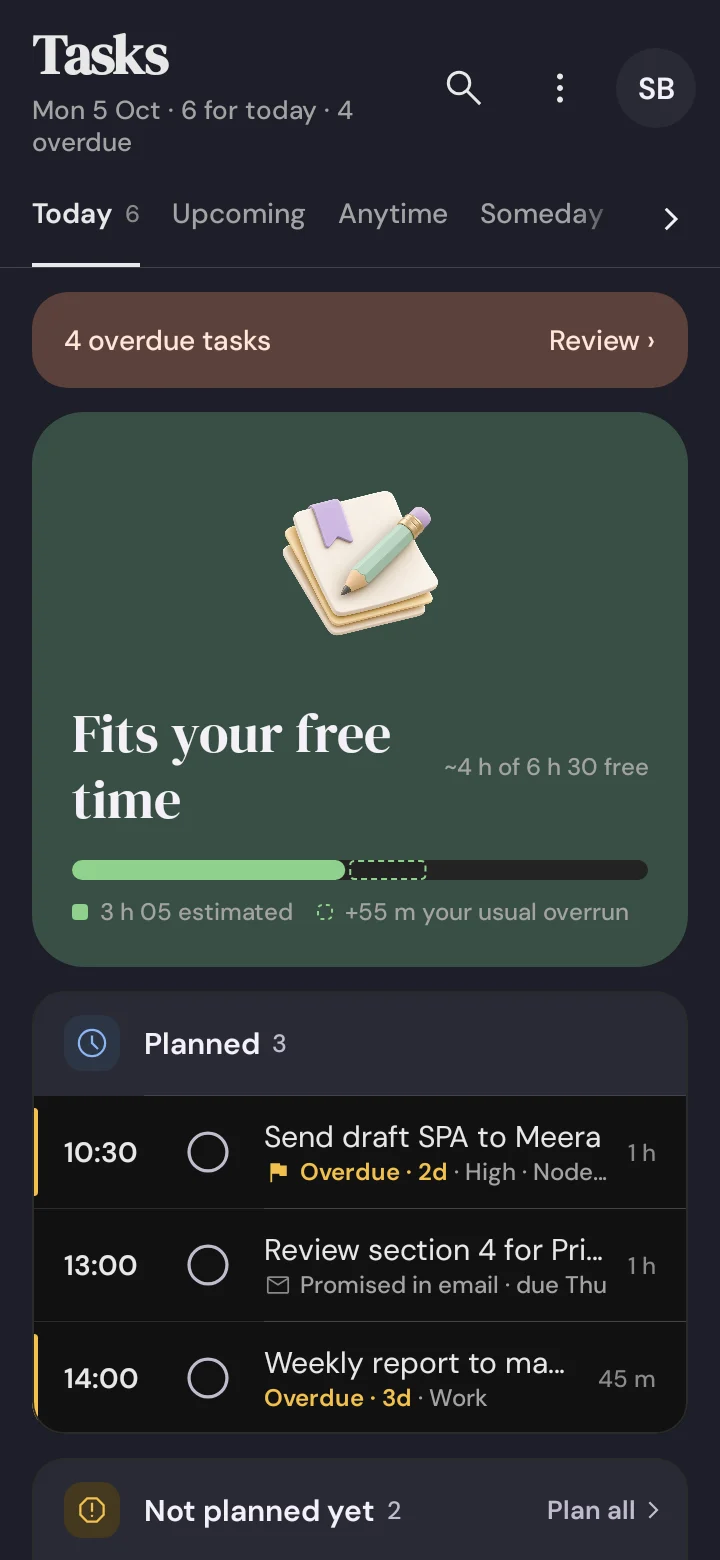
- Due todayOverdue tasks first. Tick them off right here.
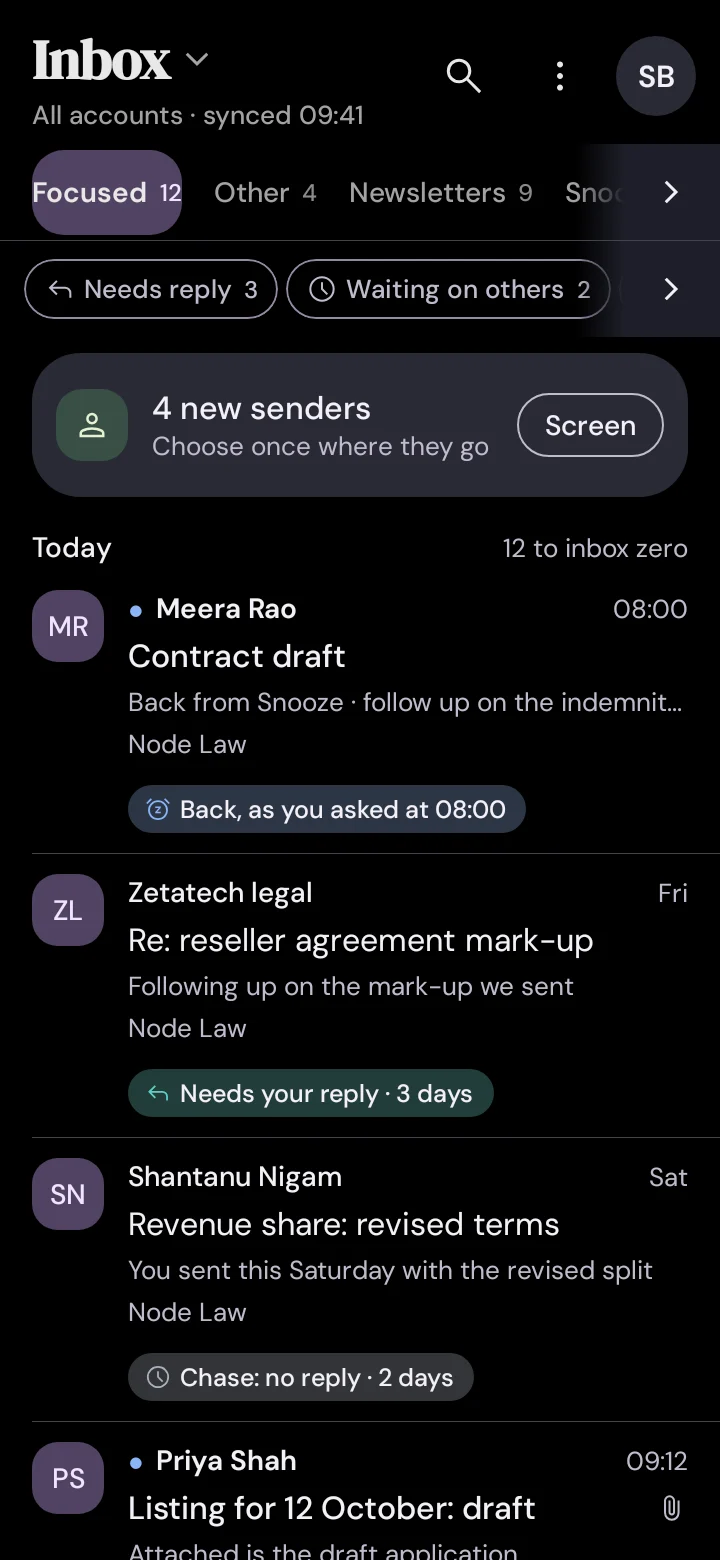
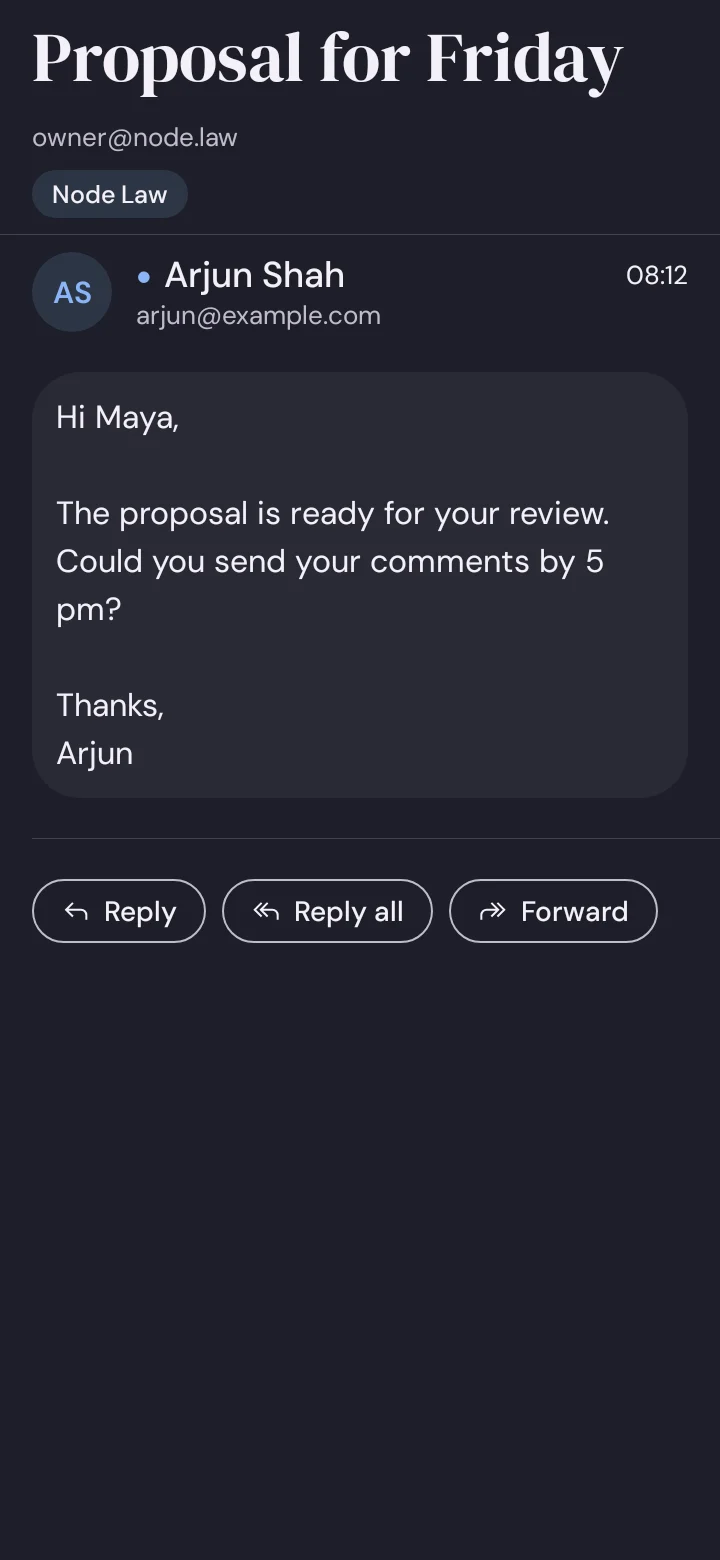
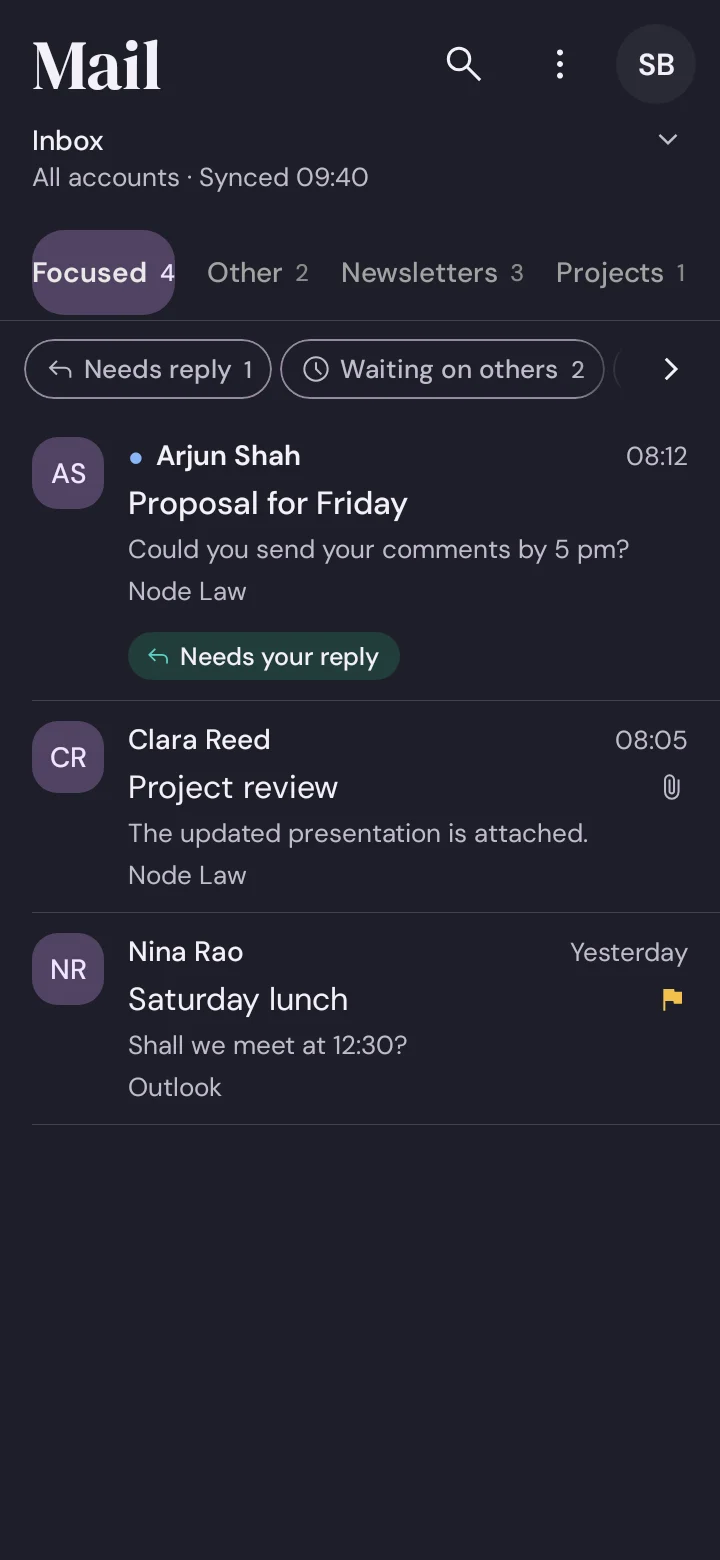
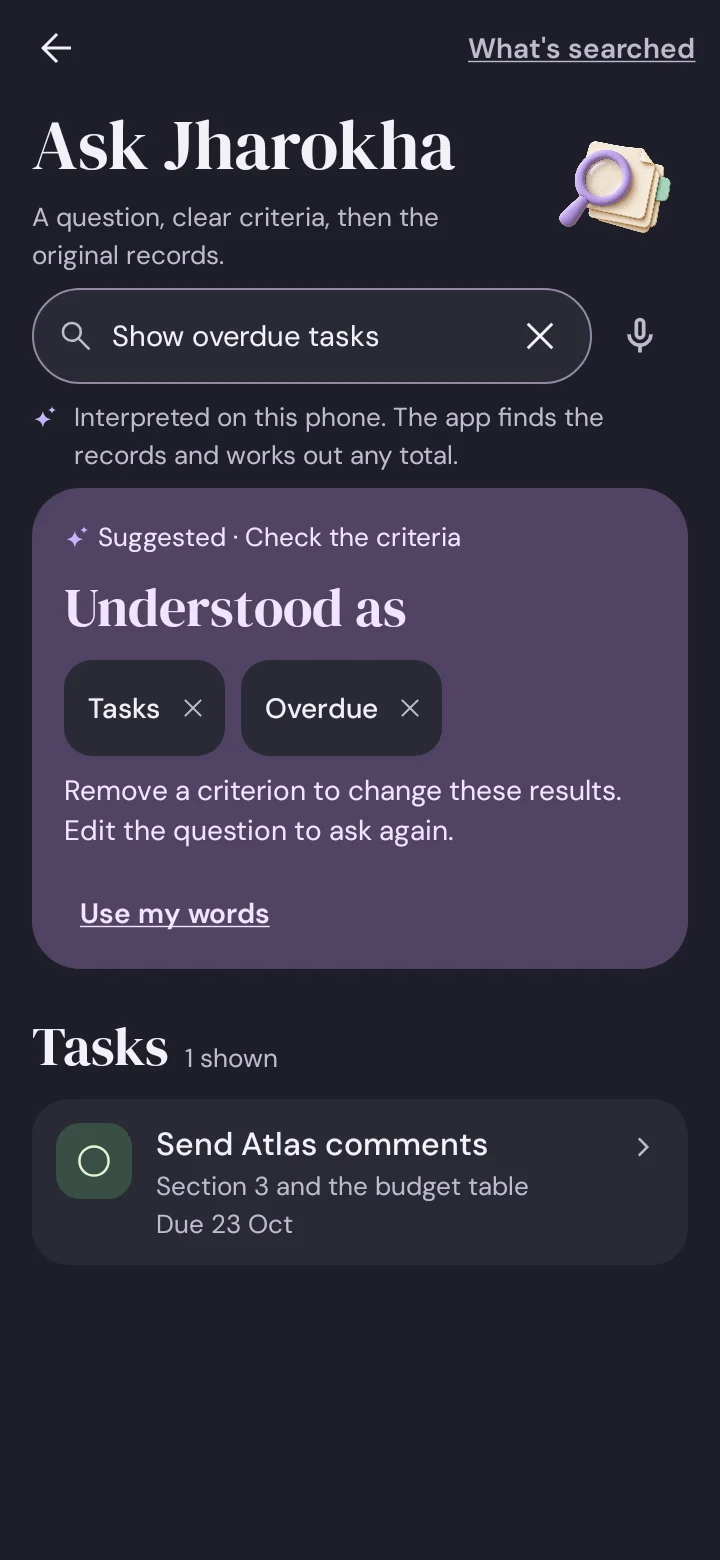
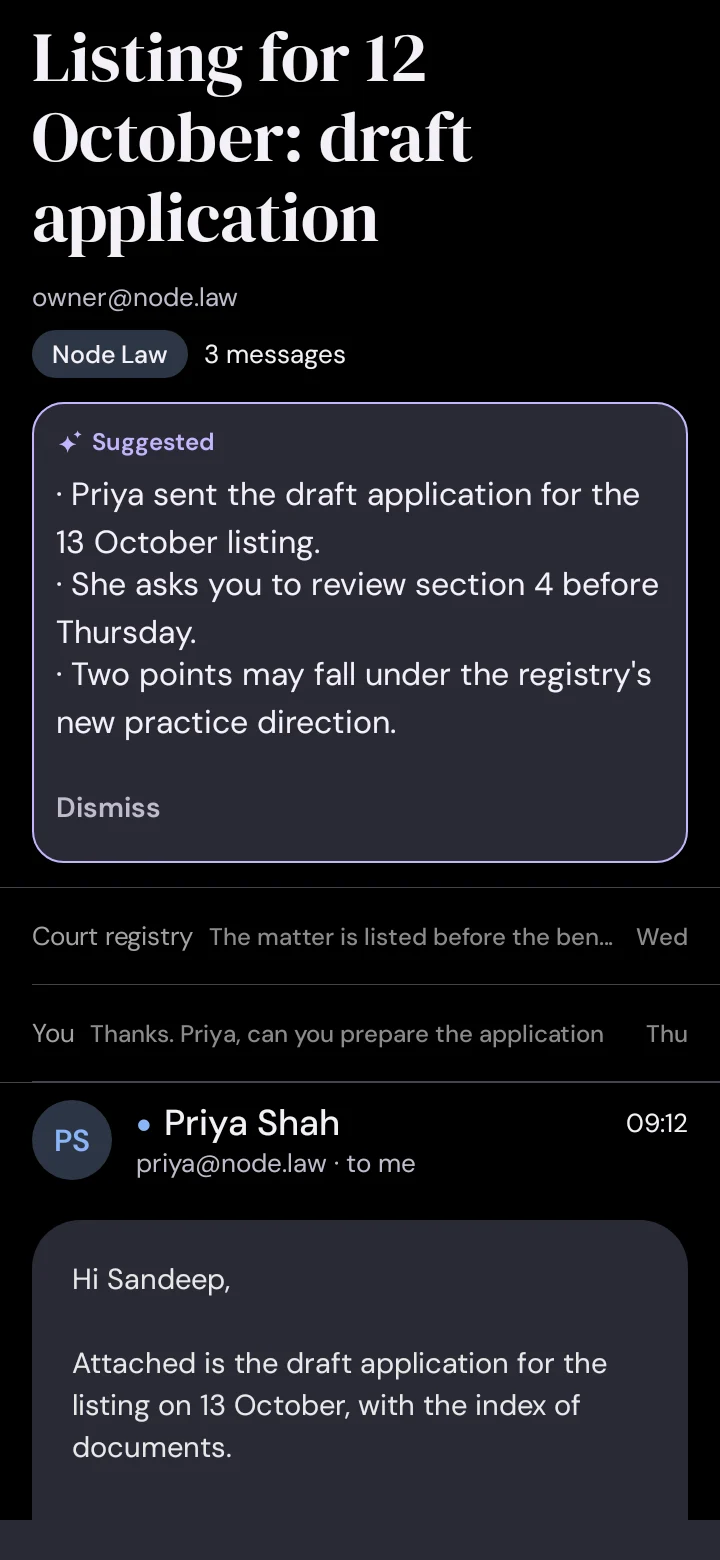
- Needs replyMail waiting on you, and replies you're still waiting for.
- Two time zonesEvery time shown in both of your cities.
Tonight
Get early access.
We're inviting people in small groups.
“We built Jharokha because we wanted busy professionals to have a calm and secure place to start their day, without distractions.”
Sushmit and Sandeep, founders
Jharokha
Early access
We use your name and email only to reply about access. Privacy
Everything in one window
One app for the whole day.
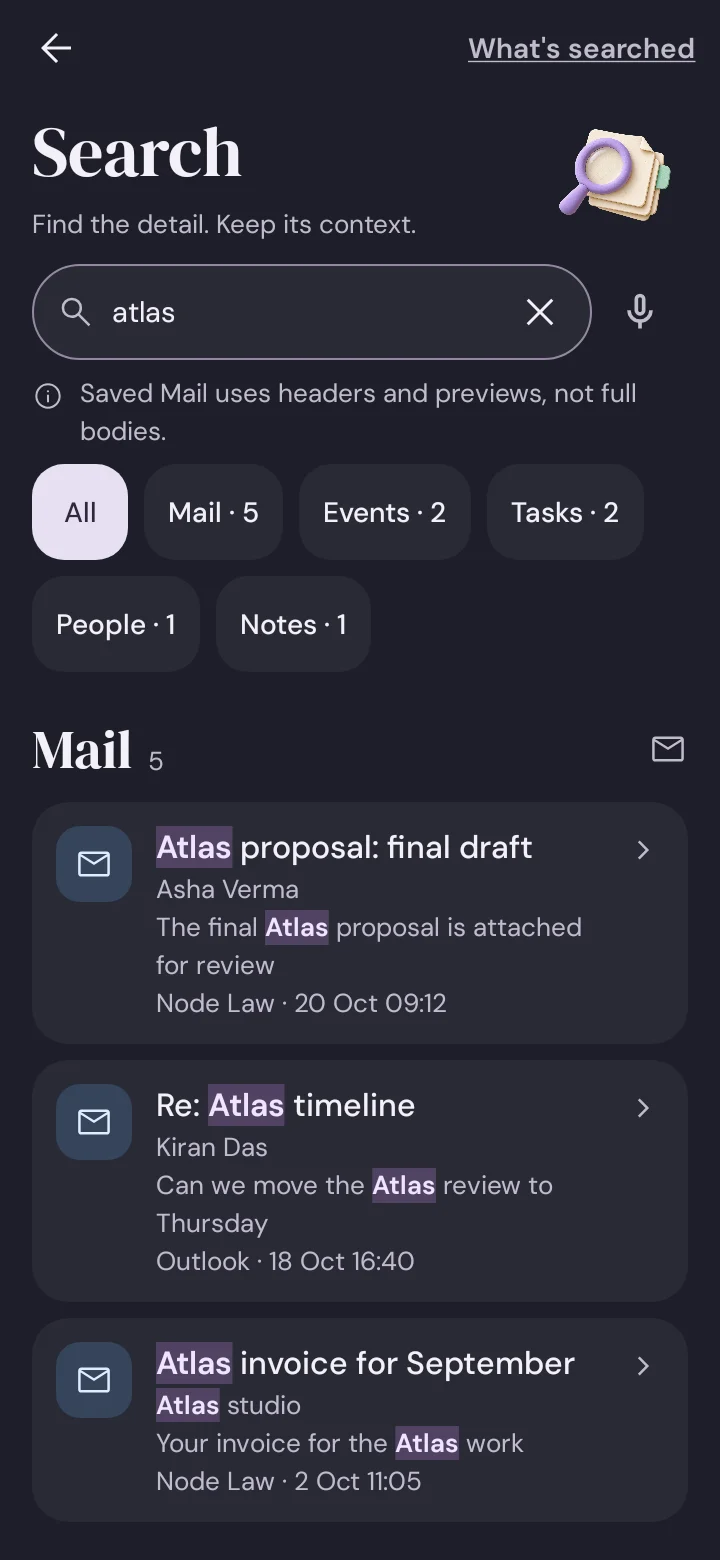
Mail, calendar, tasks, contacts, notes and money, from your work and personal accounts.
- Daily briefYour whole day on the first screen after you unlock.
- Calm inboxFocused, Other, Newsletters and Snoozed, from all your accounts.
- Snooze and ChaseHide mail until later, and get nudged when nobody replies.
- Send later, undo sendWrite now, send at the right time, take it back if you need.
- Free times and holdsOffer open slots and hold a time while you wait for a yes.
- Calendar and tasksUp to five accounts, one calendar, one task list.
- One address bookEach person once, with their recent emails and meetings.
- Private notesLocked with a passphrase only you know, and kept safe in your own cloud.
- Glanceable widgetNumbers only on your home screen. Details stay behind the lock.
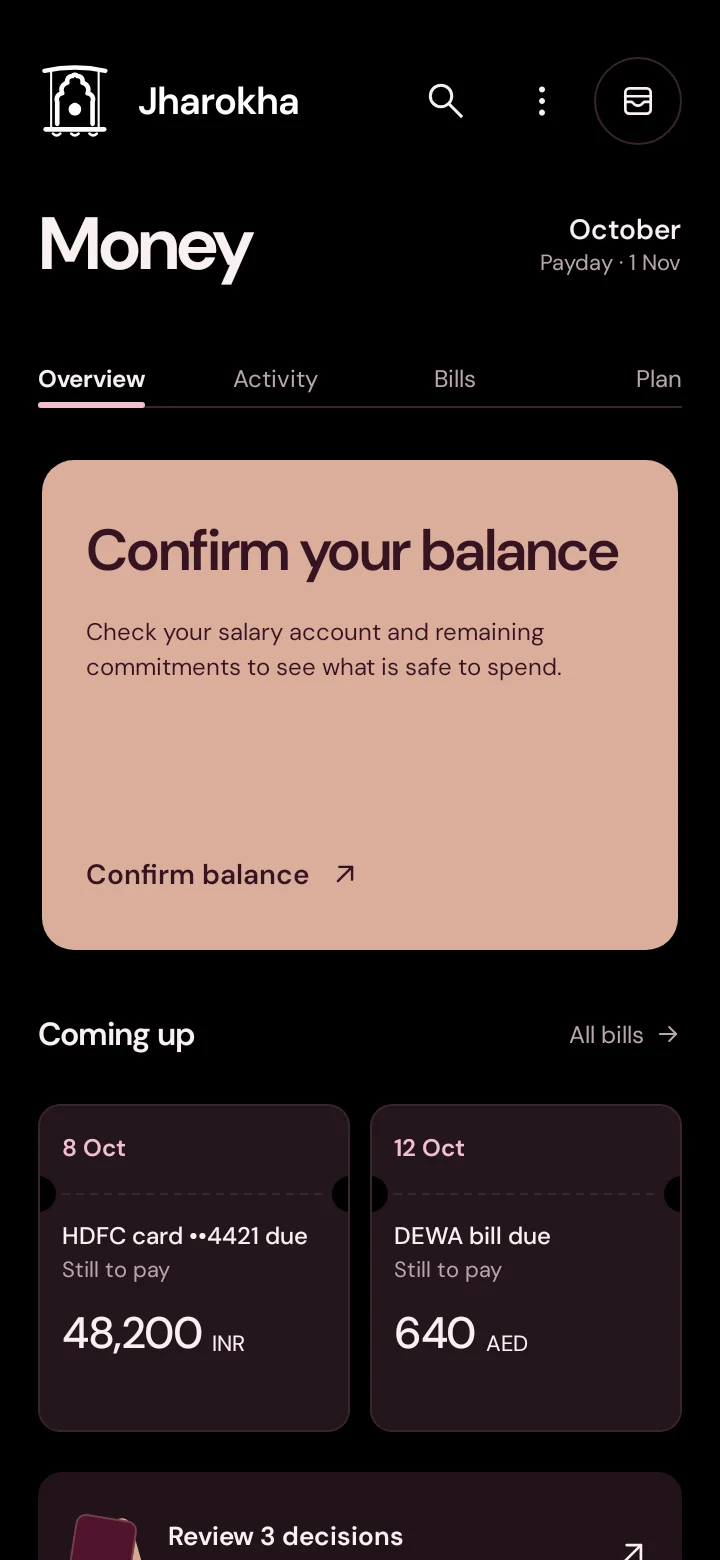
- MoneySpending, bills and budgets from your bank messages. Off until you turn it on.
- Smart helpSmart help, your choice: secure AI on your phone, or cloud AI (coming soon).
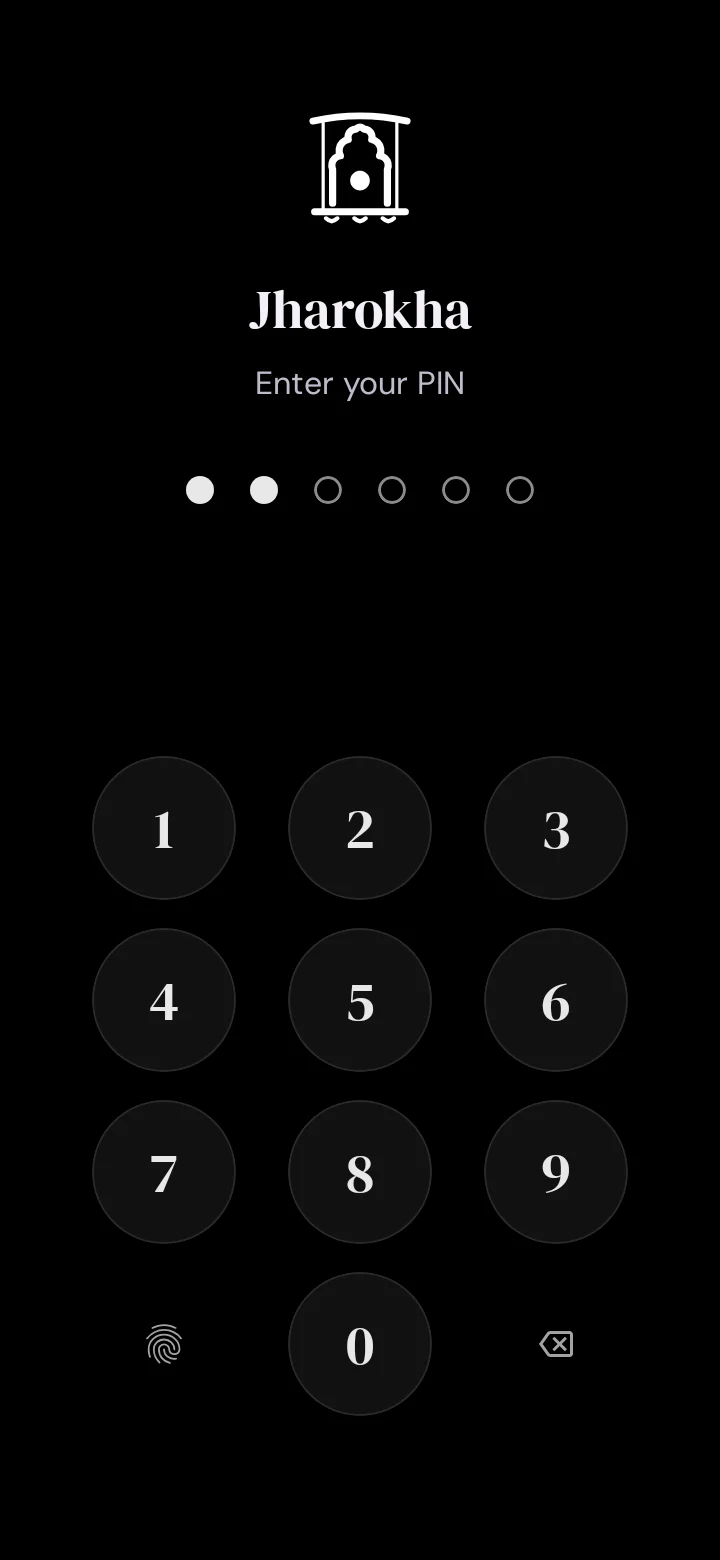
- Locked tightPIN, fingerprint, screenshot blocking and a self-erase after too many guesses.
Questions
Where does my data go?
Your mail and calendar stay on your phone, encrypted. The app talks to Microsoft for your mail, and uses a secure sign-in that never sees your mailbox.
Which phones and accounts?
Android 12 or newer, with Microsoft 365 or Outlook.com accounts. Gmail is coming later.
Does the AI read my email?
Secure AI runs on your phone and is on by default, after we explain it. Turn any part off. Cloud AI is coming soon as an option.
Does it read my bank messages?
Only on your phone, only if you allow it, and nothing counts until you confirm it.
How do I get it?
Jharokha is in private testing. Get early access and we'll invite you when there's a place.